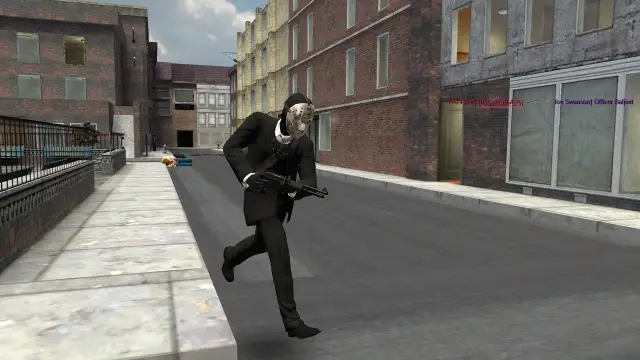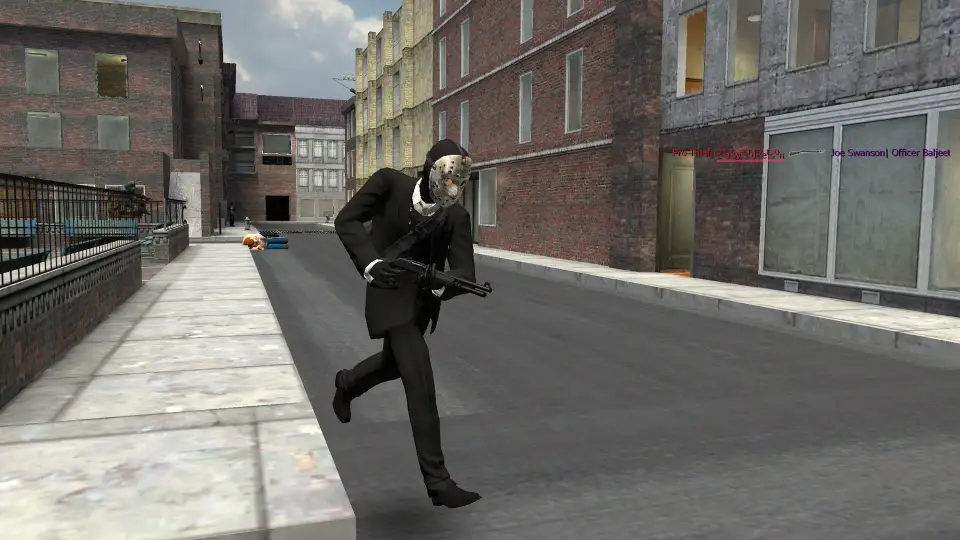

Hold C for the context menu and click Player Model. Pick a model, then respawn to wear it. This works in Sandbox, and on servers that let you choose. Roleplay and round-based gamemodes pick your model for you.
Change Your Model in Sandbox
Open the Context Menu
Start a Sandbox game and hold C.
Open the Player Model Selector
Click the Player Model icon. A window called Player Model Selector opens, with a preview of your character on one side.
Pick a Model
On the Model tab, click any model in the grid. Type in the search box to find one by name.
Respawn
Your new model appears the next time you spawn. Open the console and type kill to respawn straight away.
You can also open the selector from the console with open_playermodel_selector. Drag the preview with your mouse to turn it around.
The built-in list has Half-Life 2 citizens, rebels and medics, Counter-Strike terrorists and counter-terrorists, and more. Workshop addons add the rest.
Change Your Colours
Open the Colors tab in the same window. It has two colour pickers.
| Setting | What it changes |
|---|---|
| Player color | A tint on your model. Only some models show it |
| Weapon color | The colour of your physgun beam and glow |
Both save as soon as you change them. The preview shows the result before you respawn.
Skins and Bodygroups
Some models come in more than one version. A model might have a different shirt as a skin, or swap headgear and gloves as bodygroups.
Open the Bodygroups tab to change them. Each option gets its own slider, and the preview updates as you drag. A model with no skins or bodygroups has nothing to change here.
Picking a different model resets your skin and bodygroups, so set them after you choose.
Get More Models From the Workshop
Click Addons on the main menu, then Models, or search the Steam Workshop for "playermodel".
Subscribe to the model you want. Check its page for any required addons.
Start a Sandbox game. The new model appears in the Player Model Selector grid.
Other Players Need It Too
A Workshop model only shows up properly on a server that has the same addon. If the server doesn't have it, Sandbox gives you the default Dr. Kleiner model.
For more on subscribing and turning addons off, see How to Install Addons.
Why Servers Override Your Model
The Player Model Selector only sets the model you'd like. Each gamemode decides what you actually wear, and most multiplayer gamemodes ignore your choice.
Your job sets your model. Police look like police and gangsters look like gangsters, so other players can tell who's who. Some jobs offer more than one model. On standard DarkRP you pick between them in the F4 jobs menu, and it remembers your choice.
Servers can also give you models through ranks, shops or unlocks. Ask on the server or check its guides. Our DarkRP guides cover how jobs work on Justified.
If Your Model Won't Change
You need to respawn. Type kill in the console, or wait until you next die.
The model comes from a game or addon you don't have. Mount the game it's from, or subscribe to the addon. Fix Missing Textures covers the rest.
The server's gamemode sets your model. Use the server's own menu or job list instead.
Ready to play? Justified is a Garry's Mod DarkRP server: justified.gg