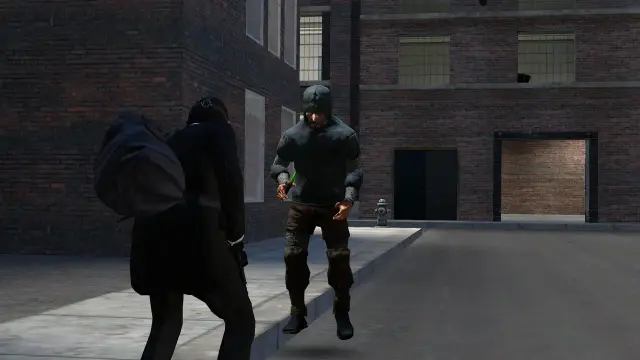

Trashman
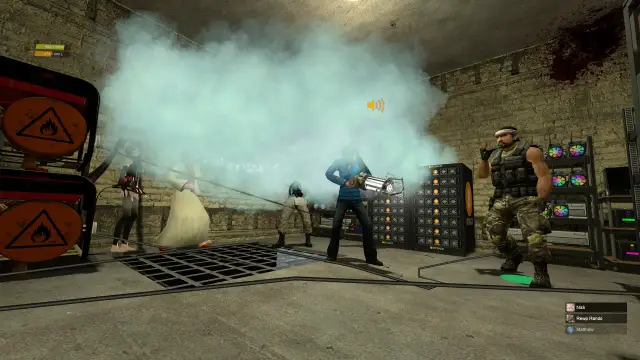
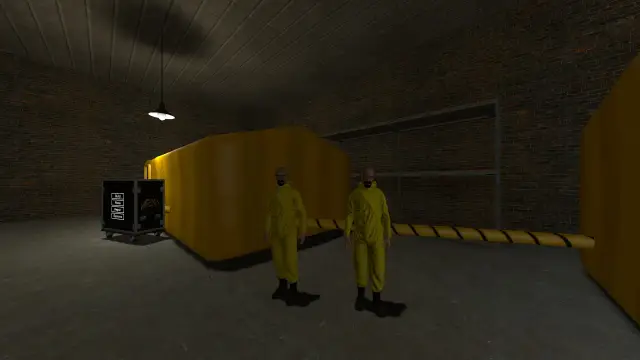
Trashman (/trashman) is a roaming collection job. Vacuum up trash from around the map, recycle it into materials, and sell them at the buyer. The higher your level, the better materials you unlock.
Guide Accuracy
We keep this guide up to date, but specific values may change with server updates. Always check in-game for current figures.
How It Works
Become a Trashman
Select the job from the F4 menu. It gives you the Trash Collector.
Find Trash Sources
Look around the map for dumpsters, bins, manholes, leaf piles and loose trash.
Collect Trash
Hold right-click to vacuum up trash and fill your collector.
Unload or Bag It
Middle-click near your Recycler or Burner to empty the collector into it. Anywhere else, middle-click drops the trash as a bag you can carry or keep in your inventory.
Recycle
Turn the trash into material blocks at your Recycler.
Sell
Carry the blocks to the Trash Buyer machine and sell them for cash.
Controls
| Button | Action |
|---|---|
| Right Click | Vacuum up trash (hold) |
| Left Click | Clear a leaf pile |
| Middle Mouse | Unload into a nearby Recycler or Burner, or drop a trash bag |
| R | Start a Surge (from level 18) |
Trash Sources
| Source | Notes |
|---|---|
| Dumpsters & Bins | Around the map. They refill over time |
| Manholes | Down in the streets |
| Leaf Piles | Left-click to clear, then collect the rubbish underneath |
| Ground Trash | Loose trash scattered around |
| Dirty Players | You can vacuum the dirt off other players |
Now and then a bin turns up a find as you empty it.
Equipment
| Item | Price | Purpose |
|---|---|---|
| Trash Recycler | £15,000 | Turns trash into material blocks |
| Trash Burner | £5,000 | Burns trash straight into cash |
The Recycler
The recycler turns raw trash into blocks.
How to Recycle
- Stand near your Recycler and middle-click to unload into it, or bring trash bags to it
- Select the material you want to make
- Wait for the blocks to come out
- Pick up the blocks and take them to the buyer
The Buyer Machine
Sell your recycled blocks at the Trash Buyer.
- Carry blocks to the buyer machine
- Drop them in
- Press Payout to collect your money
Price Changes
Each buyer's rate moves between 75% and 125% of base value. Check the rate before selling!
Level System
Trashman has 60 levels, and almost every level unlocks something.
What Improves With Level
| Benefit | Effect |
|---|---|
| Capacity | Carry more trash in the collector |
| Suction | Collect trash faster |
| Bags | Carry more bags at once |
| Materials | Unlock better recycling |
| Surge | From level 18, press R to suck much faster for a few seconds and overfill the collector |
| Supply | Bins and leaf piles hold more |
You can also buy Trashman perks such as Long Hose, Bag Rack, Heavy-Duty Bags, Industrial Nozzle and Trashbag Magnet from Ambrose, the Perk Dealer.
Recycler vs Burner
Recycler (Best Profit)
- Turns trash into sellable blocks
- Access to high-value materials
- You carry the blocks to the buyer
- Higher payout
Tips for Success
Find where the dumpsters and manholes are. A good route means more money.
You can keep trash bags in your inventory to carry more at once.
Prices move. Sell when the rate is high.
Better materials pay more for the same trash.
Use a Surge at a full bin to grab far more than your collector normally holds.
Common Problems
Cause: Your level is too low.
Solution: Keep collecting to level up and unlock better materials.
Cause: You've reached your capacity.
Solution: Middle-click to unload or drop a trash bag, then carry on.
Cause: It's been emptied.
Solution: Move on to another one. It refills over time.
Cause: Low buyer rate or a low material.
Solution: Wait for better rates and unlock better materials.
Quick Reference
- Collect: hold right-click
- Unload or bag: middle-click
- Leaf piles: left-click to clear
- Surge: R, from level 18
- Recycler: turns trash into blocks
- Burner: burns trash for quicker, lower cash
- Buyer: sells blocks, rates move
- Levels: 1 to 60, unlocks better materials
Values May Vary
Material prices, level requirements, and buyer rates may be adjusted. Check in-game for current values.